Works in any country, in your currency and your language.
Cafizio has no country list and no country lock. At setup you choose your country to set the currency, or you create your own currency with its code and symbol.
15-day free trial · no card
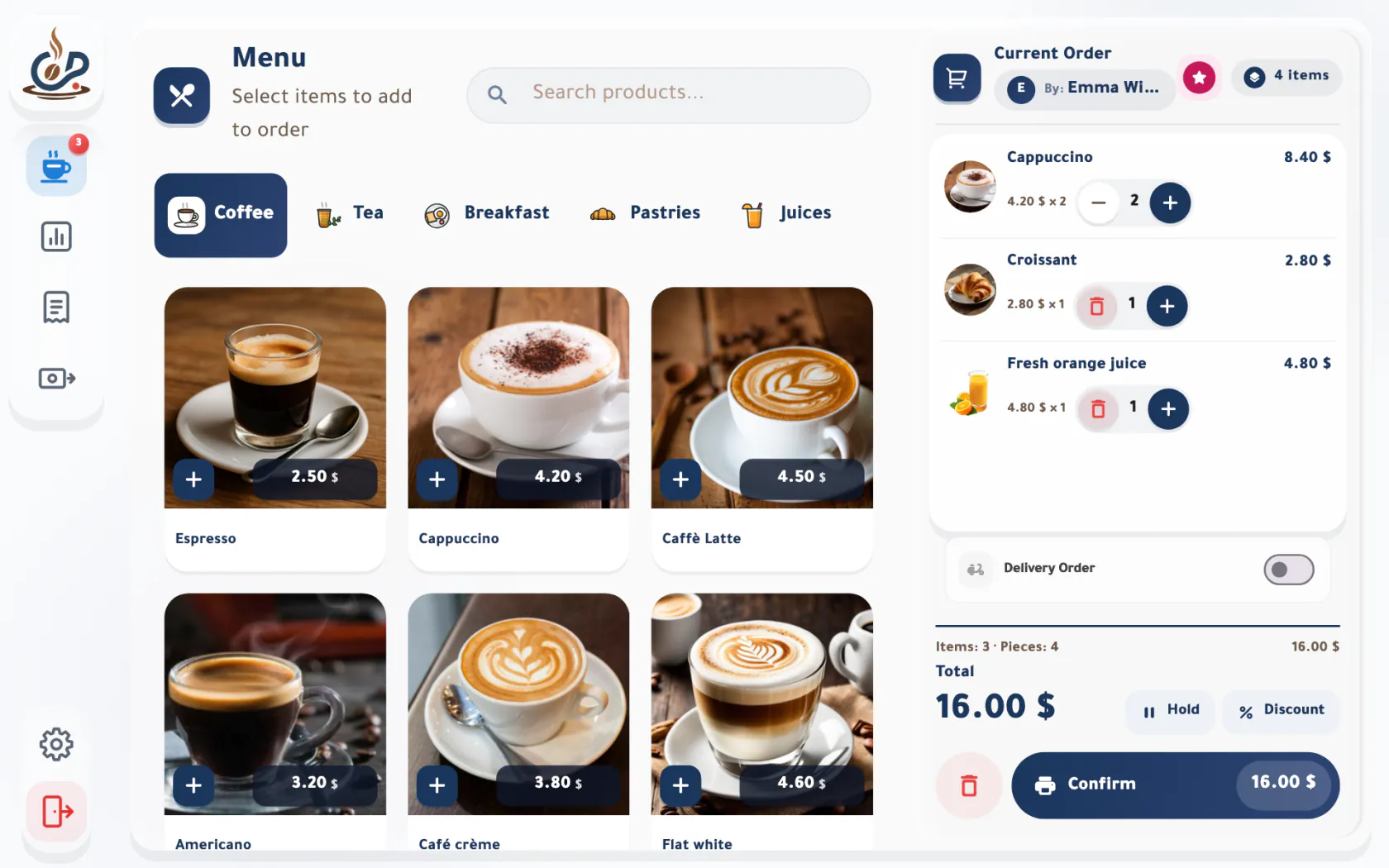
Your currency, your language, your devices.
Your currency
Pick it at setup, or add any currency by hand with its code, name and symbol. Amounts use two decimals.
Your language
The app and this site are in Arabic, English, French and Spanish. Receipts print in English, Arabic, French or Spanish, with Arabic right to left.
Your internet, or none
Selling, printing and reports work without internet.
Your devices
Install it from Google Play or the App Store, on an Android tablet, an iPad or an Android POS terminal.
Your card terminal stays
Keep the card terminal from your bank. Card payments are taken on it, and Cafizio records the sale at the counter. We take no fee per sale.
No monthly subscription
One license per device. Cloud sync is optional, and three months are included with every license.
Check your local rules first
Some countries require cash-register software to be certified, connected to the tax authority, or to print tax details on every receipt. Cafizio does not do this today. Ask your accountant before you buy, and use the 15-day trial to check that it fits.
Good to know
- Currencies with three decimals (such as the Kuwaiti dinar) are not supported yet.
- Receipts have no VAT or tax registration lines.
- The license price is shown and charged in US dollars.
Works with the receipt and label printers cafés already use
- Honeywell
- Xprinter
- CITAQ
- HiPOS
- Star Micronics
- Bixolon
- Citizen
- Rongta
Cafizio recognizes these makers' receipt and label printers over USB, Wi-Fi / Ethernet, Bluetooth or built in. Most other ESC/POS thermal printers work too — try yours during the free trial.
Questions about countries
Is Cafizio sold in my country?
Cafizio has no country restriction. If the app is available on Google Play or the App Store in your country, you can use it.
My currency is not in the list. What can I do?
Choose “Another currency” at setup and enter its code, name and symbol.
Does Cafizio handle tax registration or local tax rules?
No. It does not connect to tax authorities and does not print tax registration numbers. Check your local rules with your accountant.
Can I ask before buying?
Yes. Write to us from the contact page with your country and how you sell, and we will tell you plainly what Cafizio does and does not do.
Try it where you are.
15 days, every feature, no card. Set your currency and sell a few orders before you decide.