01Selling
Take an order in a few taps.
Products in categories with photos. Add options, hold the order or give a discount, add the customer for their stamps or points, then confirm and print.
See how it works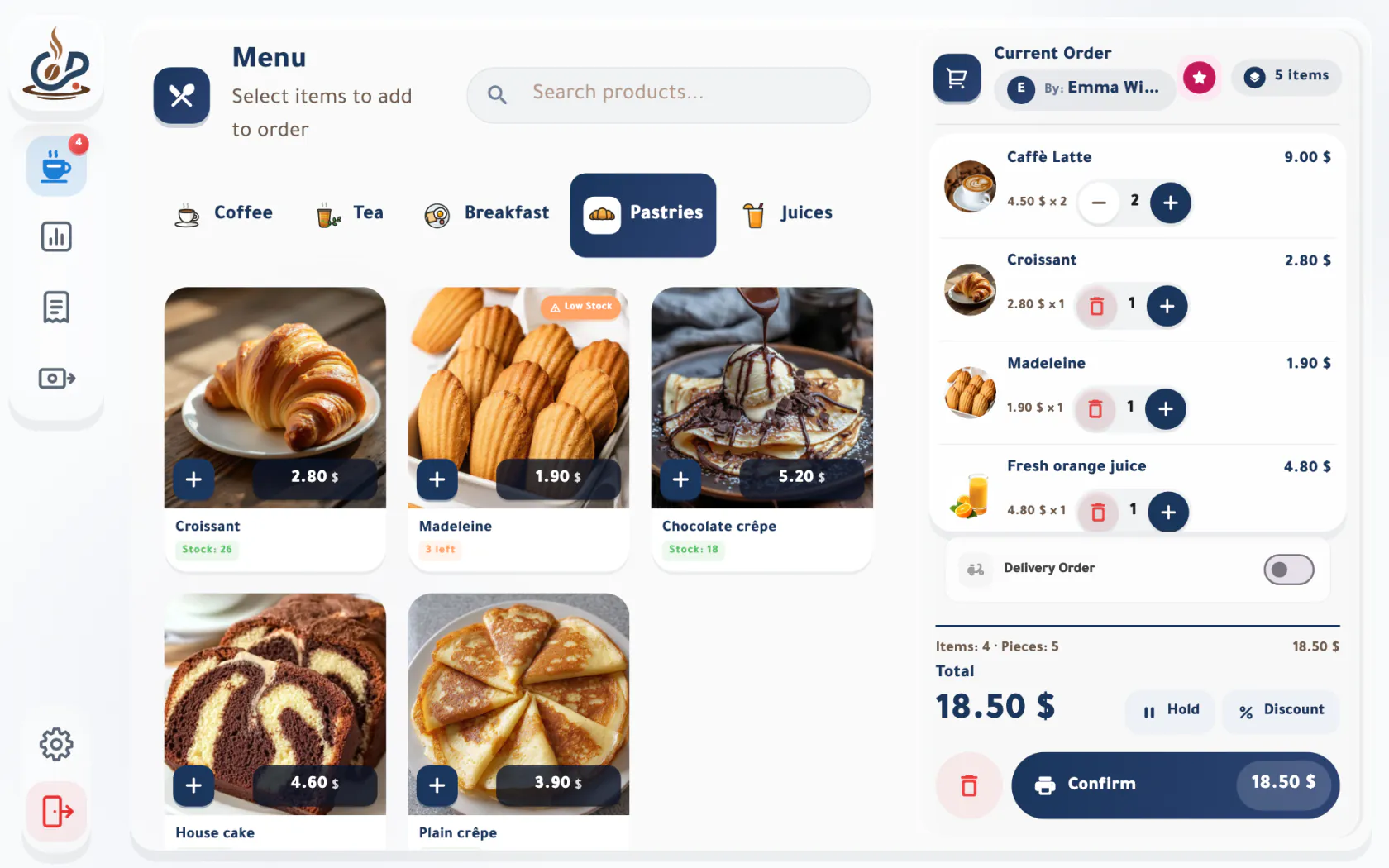
A point of sale for the tablet at your counter and a Manager app for your phone. Orders, stock, staff, reports and printing, all working without internet.
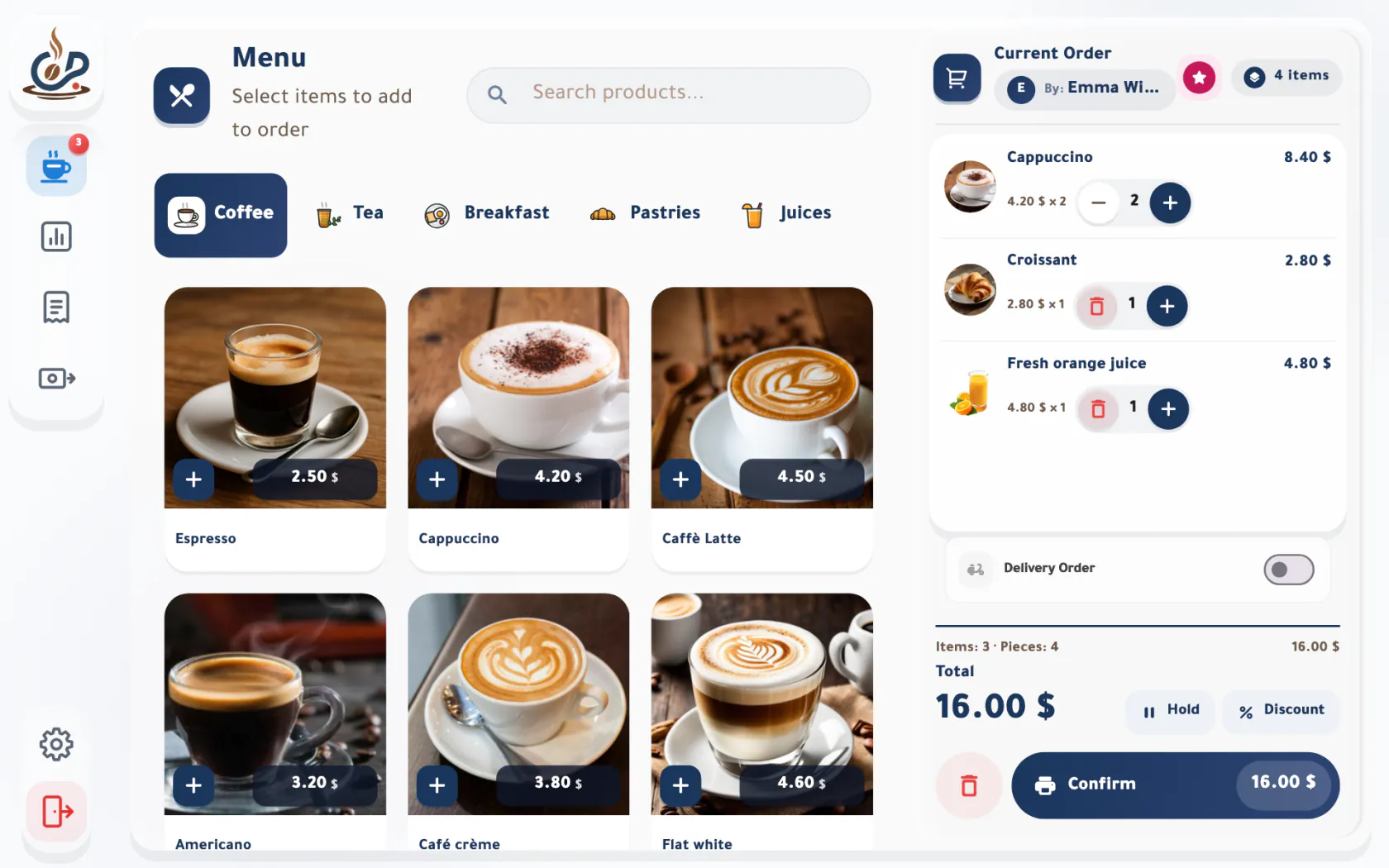
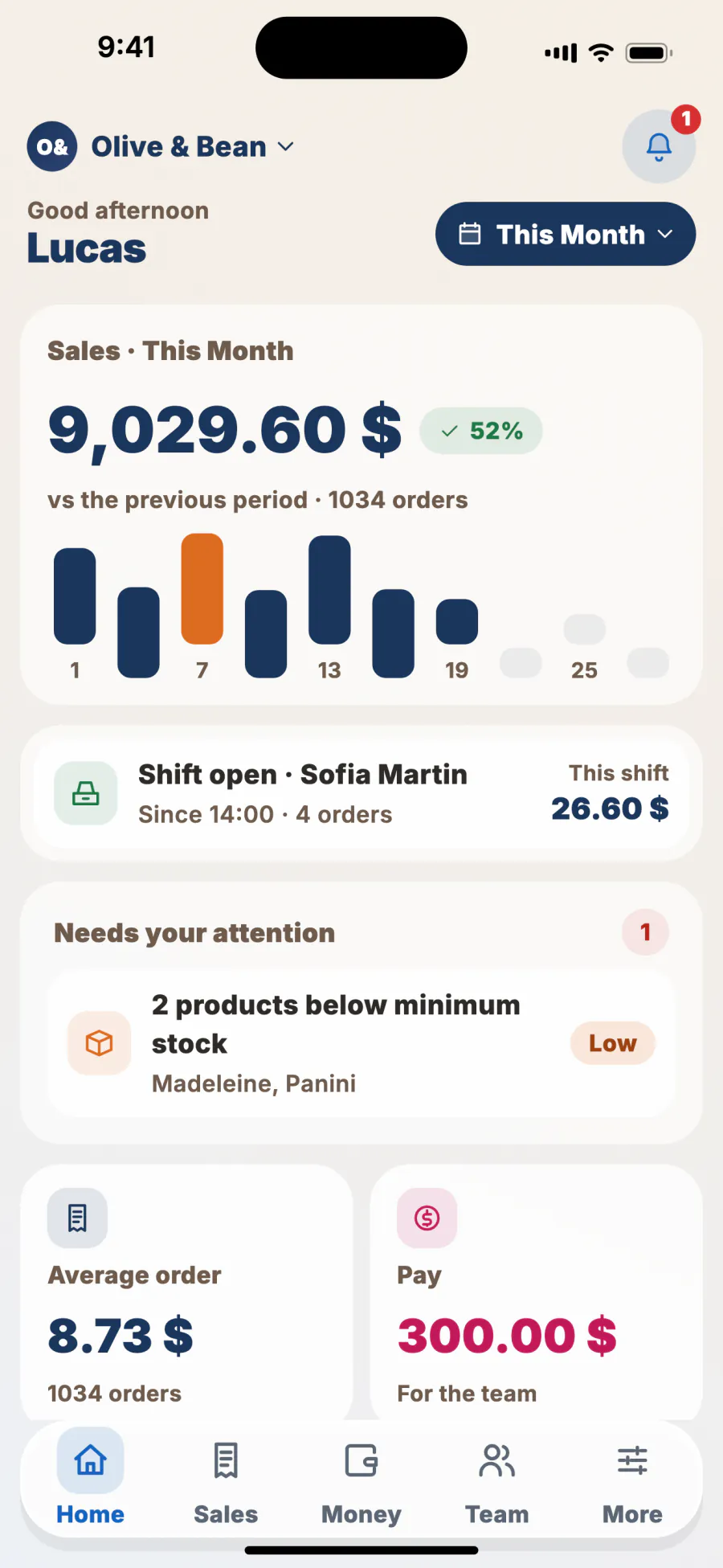
Every license includes all of them. The trial does too.
Products in categories with photos. Add options, hold the order or give a discount, add the customer for their stamps or points, then confirm and print.
See how it worksCounts go down with every sale and up when you receive stock, with a log of every unit and an alert when an item runs low.
See how it works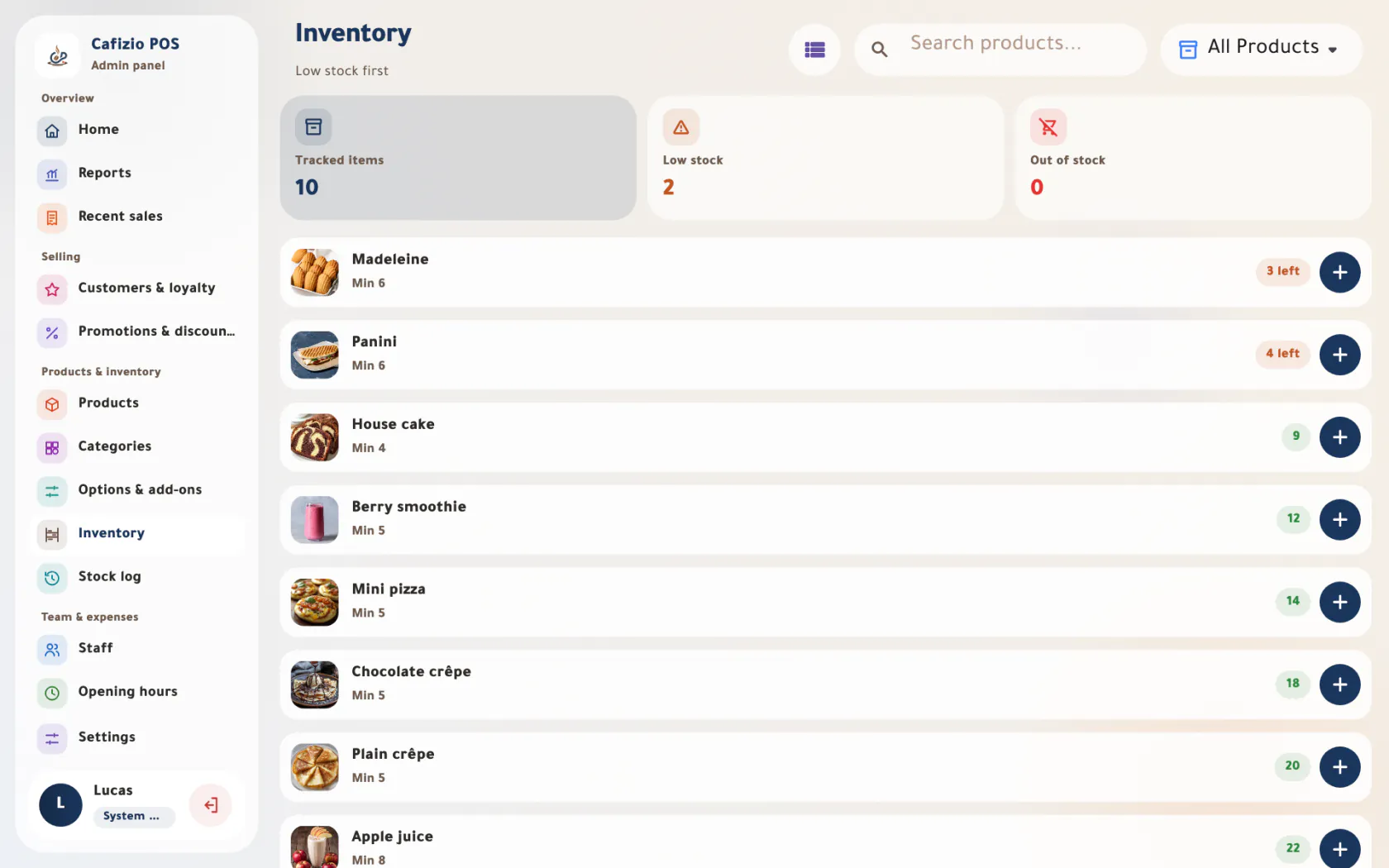
Roles and permissions, shift sessions, salaries, expenses recorded at the register, and the day close.
See how it works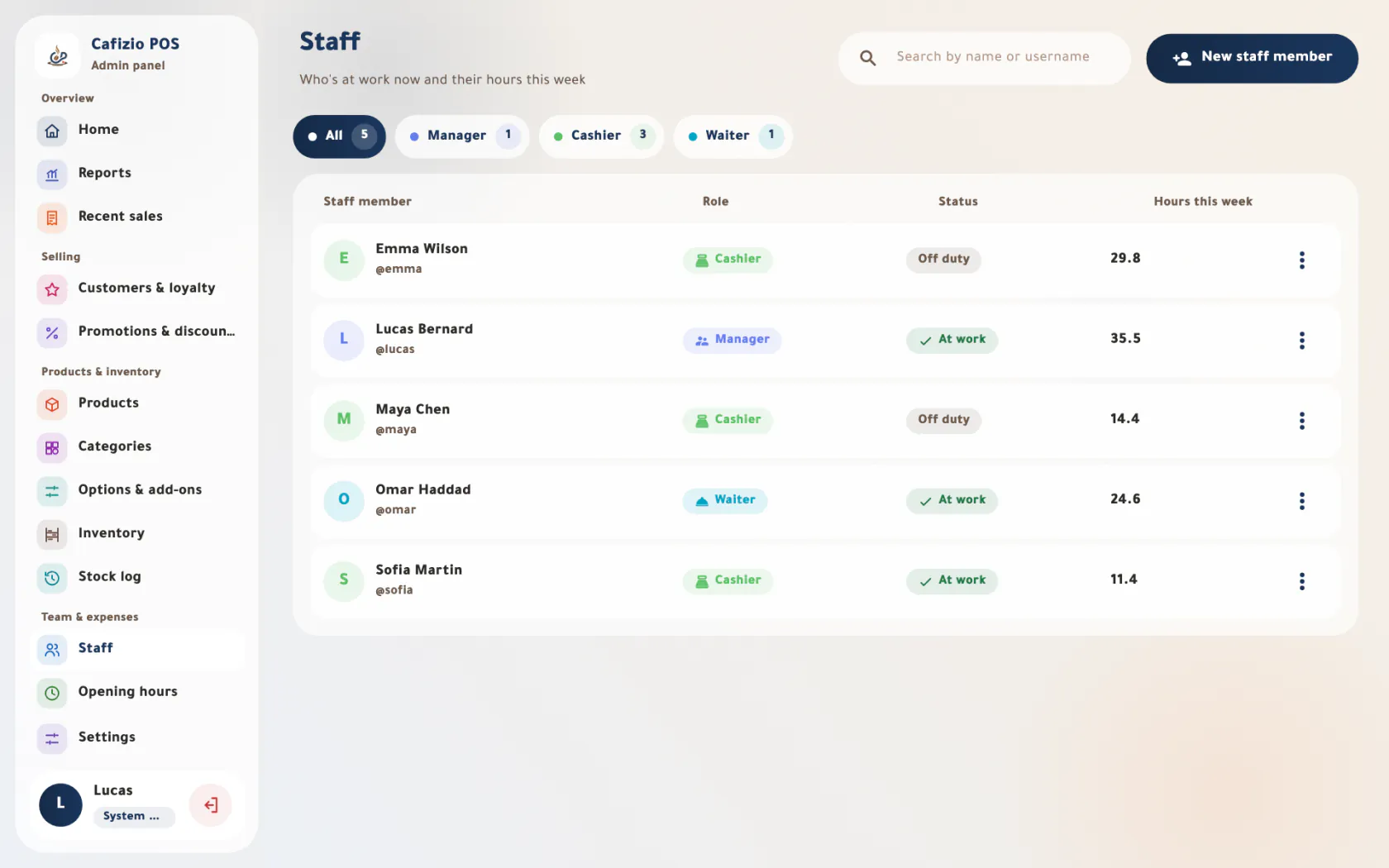
Sales, expenses and net profit for the period you choose. Export every sale to Excel.
See how it works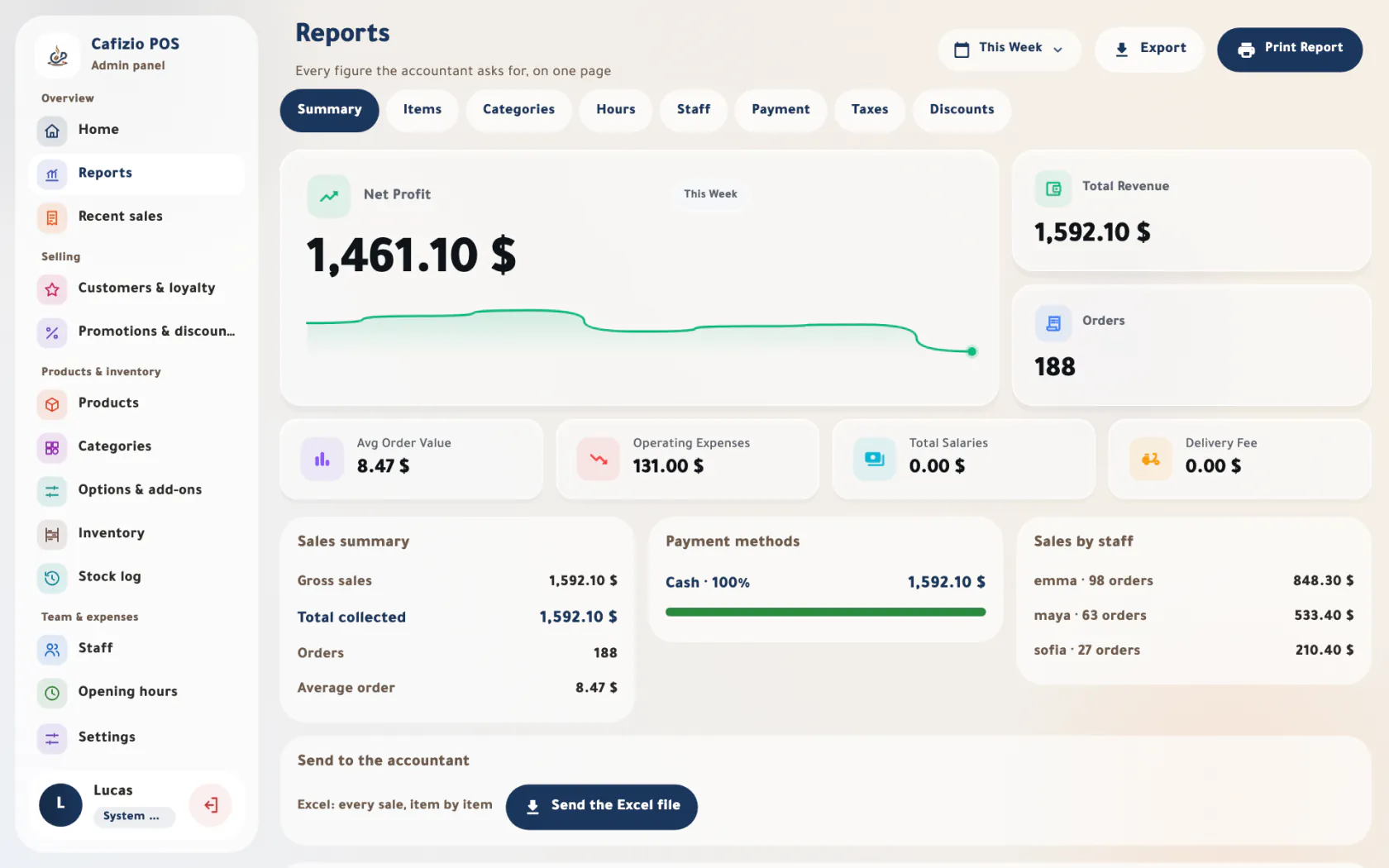
ESC/POS thermal printers over USB, Wi-Fi / Ethernet, Bluetooth or a built-in terminal printer, with receipts in four languages. The cash drawer opens with the receipt.
See how it works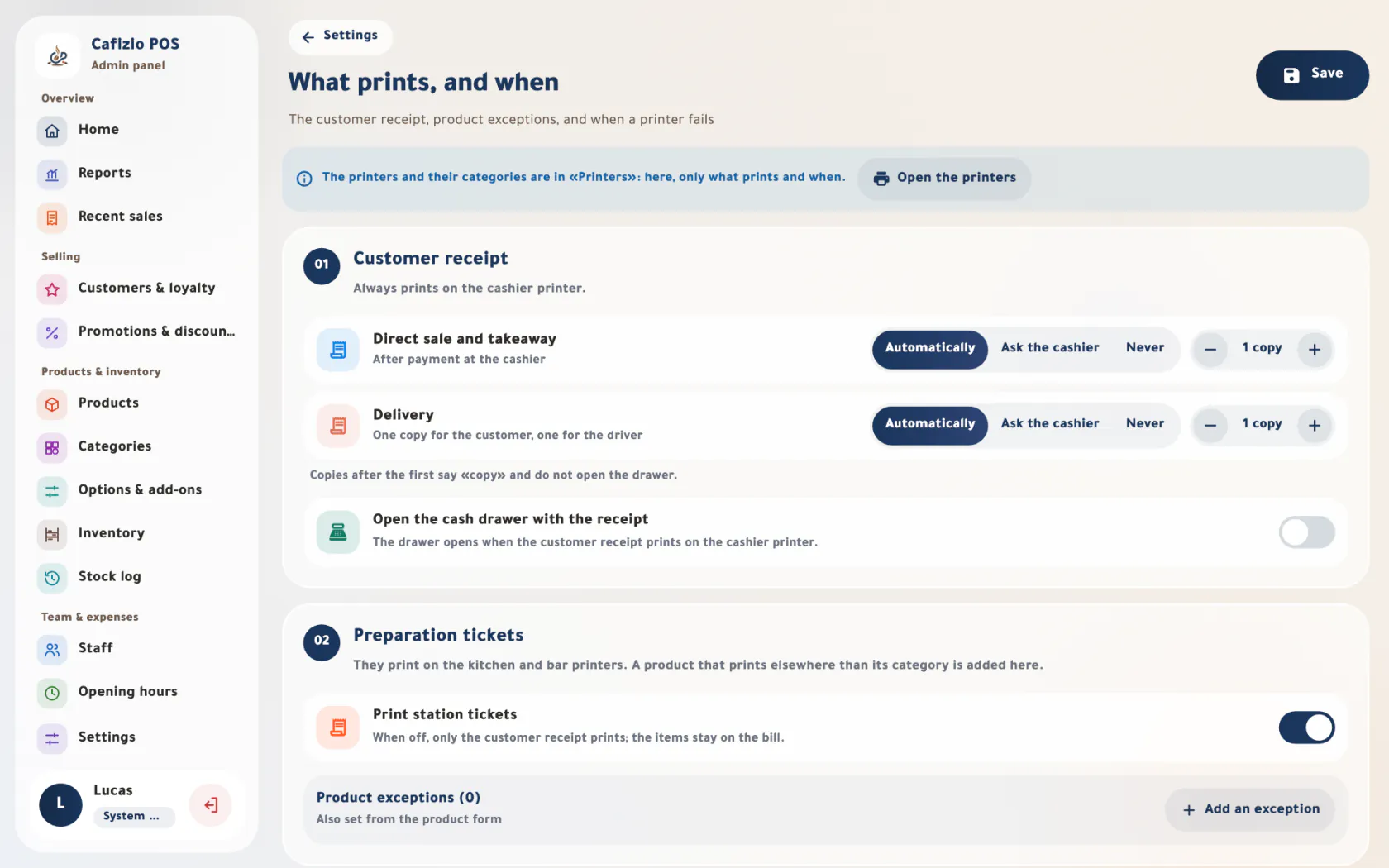
Cafizio Manager for Android and iPhone: today’s revenue, sales, money, team and stock, from what the register has synced.
See how it works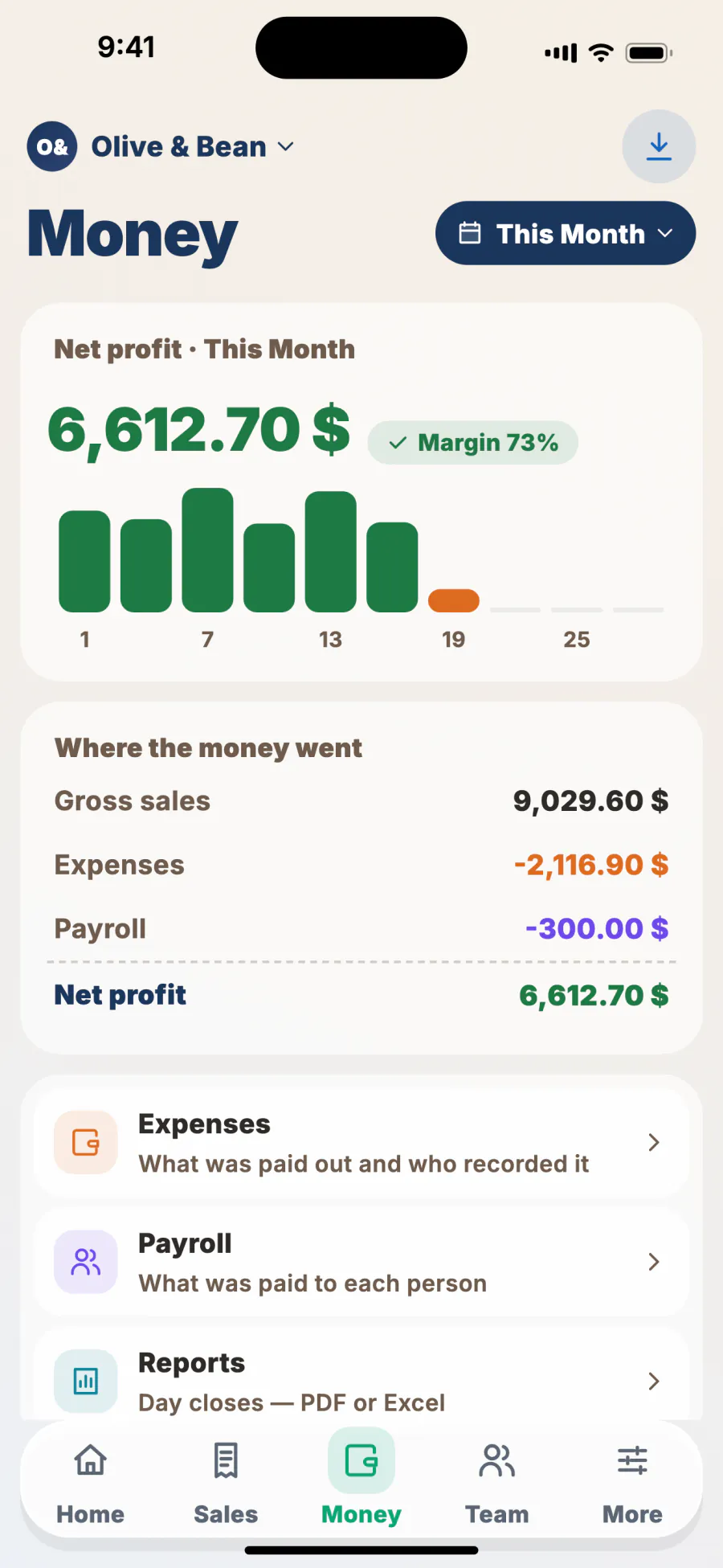
A hall view of every table, waiters on their phones, kitchen tickets by station, and a table checkout that splits the bill and moves items.
See how it works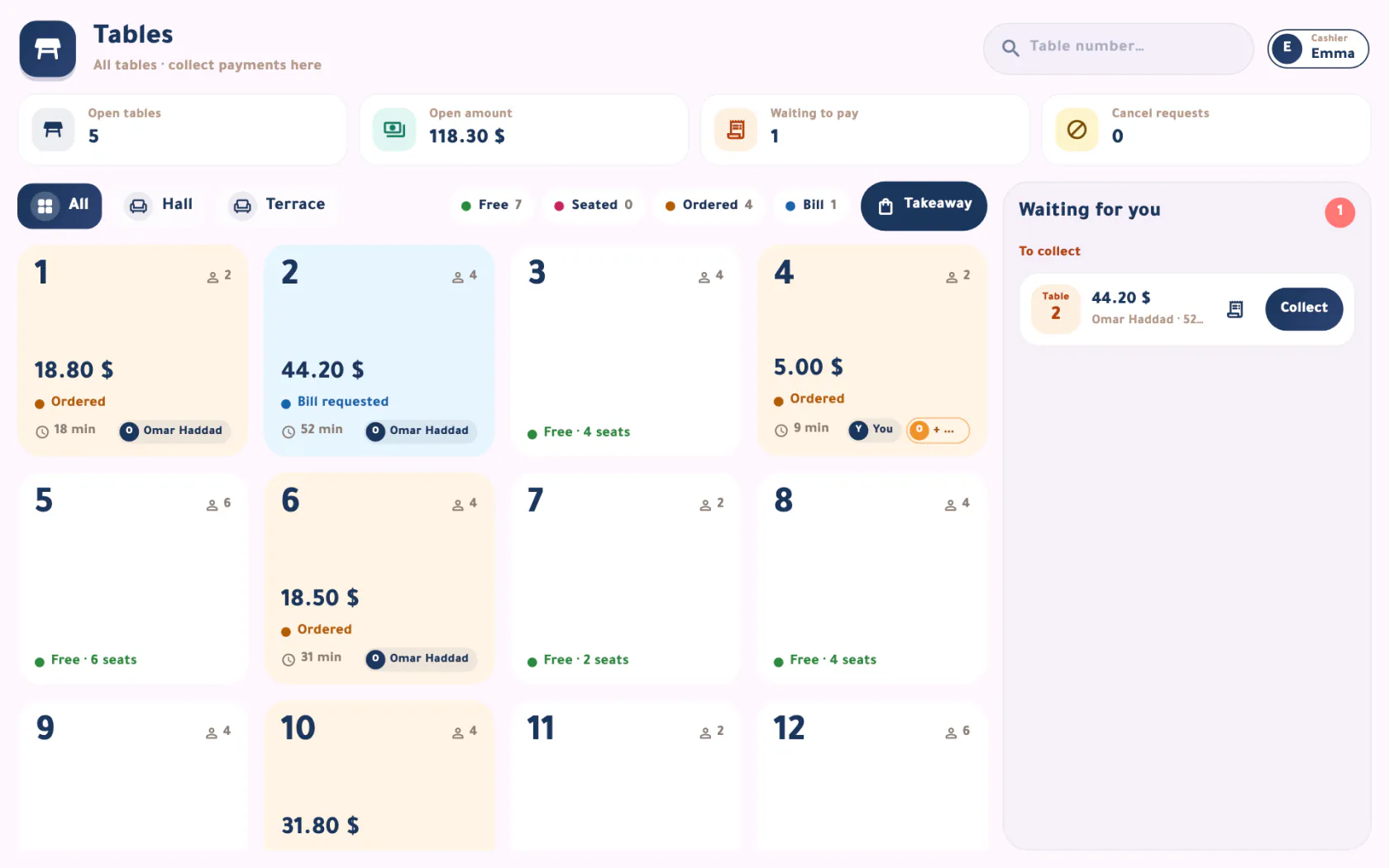
All of it ships in Cafizio today, and the trial includes every item.
Set up your tables by zone. The hall shows each table’s state at a glance, with its waiter and what is still to be sent.
Waiters take the order at the table on a phone linked to the cashier over your Wi-Fi. Payment stays at the cashier.
Each category prints at its own station, such as the kitchen or the bar. A cancelled item prints a void ticket.
Take a table’s payment on one screen. Split the bill equally or by each person’s items, and move or merge tables, or move just some items to another table.
After payment, a table shows “Clearing” until you mark it free. Reserve a free table and it shows “Reserved” on the hall.
Sell at the counter without opening a table, for takeaway and quick orders.
Customers earn stamps or points with every order. A ready reward is used in one tap, and switching from stamps to points keeps everyone’s progress.
Customers are found by phone number or name, with their visits and spending. Consent to messages is asked and saved, and a customer can be fully erased.
Counts go down with every sale and the cashier is alerted when an item runs low. Items on an open table are held and deducted when the table pays.
The customer’s name, phone, address and delivery fee are saved with the sale. Find any delivery in the invoices and reprint it.
Receipts and kitchen tickets print in English, Arabic, French or Spanish, with Arabic laid out right to left.
Product and customer search ignores hamza, alef, ta marbuta and accent differences, so «قهوه» finds «قهوة» and “cafe” finds “Café”.
Several cashier devices in one café share the menu, stock and sales. Stock stays right even when two tills sell the same item at once.
Sales, expenses and net profit for any period, sales by hour and by staff member, and an Excel export of every sale.
Record expenses at the cashier, salaries in the admin panel, and close the day with its printed report.
Selling, printing, stock and reports work without internet. Changes sync when the connection returns.
Backups of your café in the cloud, encrypted with your café’s own key.
Thermal receipt printers over Bluetooth, Wi-Fi / Ethernet or USB, or the printer built into your terminal. The cash drawer opens with the receipt.
Everything runs on a local database on the device. Only setup and activation need internet. It backs up automatically every day, and to the cloud if you choose.
Android tablets and POS terminals (Android 7.0 or later) and iPad, with ESC/POS thermal printers.
Use the app and print receipts in English, Arabic, French or Spanish.
 15-day free trial
Install the POS on your tablet, add your menu and connect your printer. When the trial ends, keep it with one license per device.
Questions first? Talk to us