Use the hardware you already have
Cafizio prints to standard thermal receipt printers and to the built-in printers of common POS terminals — no special hardware to buy or rent.
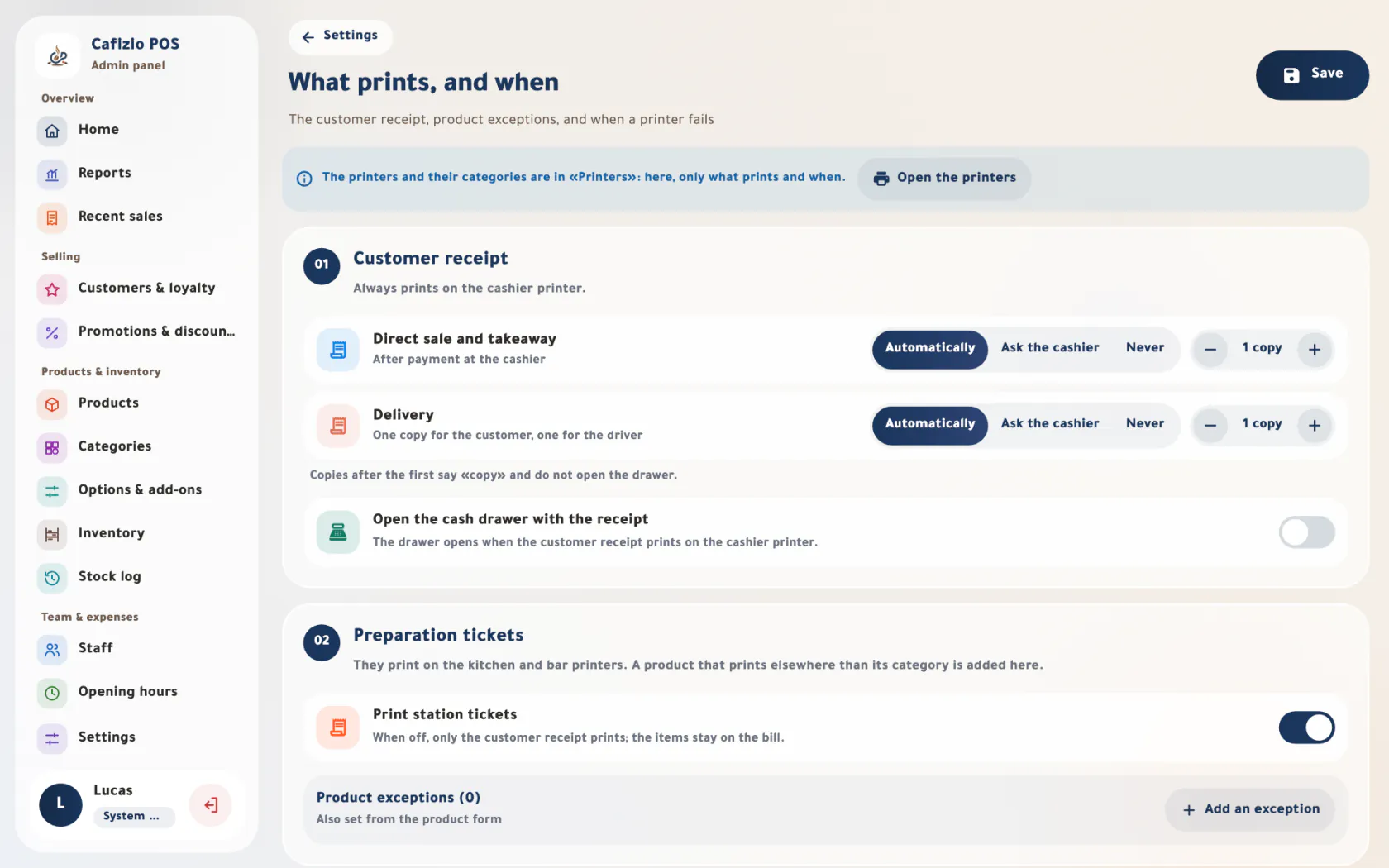
What you can connect and print.
Cafizio works with commonly available point-of-sale hardware rather than a branded device.
Android and iPad printers
USB, Wi-Fi/Ethernet and Bluetooth printers on Android; Wi-Fi/Ethernet printers on iPad
Built-in terminal printers
Built-in printers of common POS terminals
Three paper widths
58, 80 or 110 mm paper, with a Test Print button to confirm the setup
Cash drawer
A cash drawer connected to the printer, opened automatically when a receipt prints (optional)
Four languages, by station
Receipts and kitchen tickets in English, Arabic, French or Spanish, with Arabic right to left, and each category sent to its own station
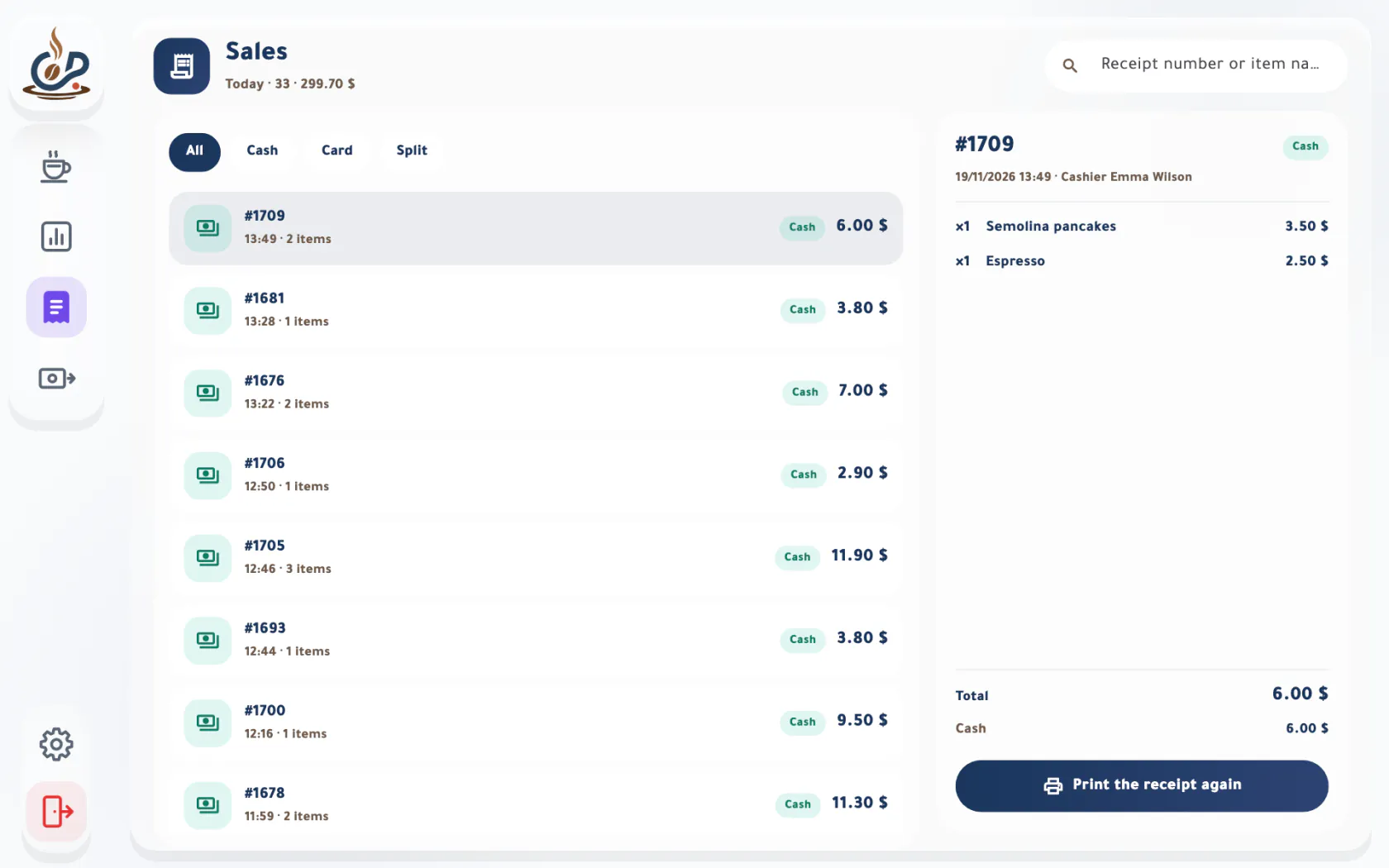
Screens from the app.
Questions
More answers in the help center.
Do I need to buy special hardware to use Cafizio?
No. Cafizio works with standard thermal receipt printers and the built-in printers of supported POS terminals.
Can I keep using the printer I already have?
In most cases, yes — if it is a standard ESC/POS thermal receipt printer. The app recognizes printers from Epson, Xprinter, Star Micronics, Bixolon, Citizen and Rongta, and label printers from Zebra and Honeywell. Use Test Print in Printer Settings to confirm.
Which printers work on an iPad?
Wi-Fi/Ethernet (network) printers. USB, Bluetooth and built-in serial printers are available on Android devices.
 15-day free trial
Try it at your counter for 15 days.
Install the POS on your tablet, add your menu and connect your printer. When the trial ends, keep it with one license per device.
Questions first? Talk to us